
Early access
WooCommerce
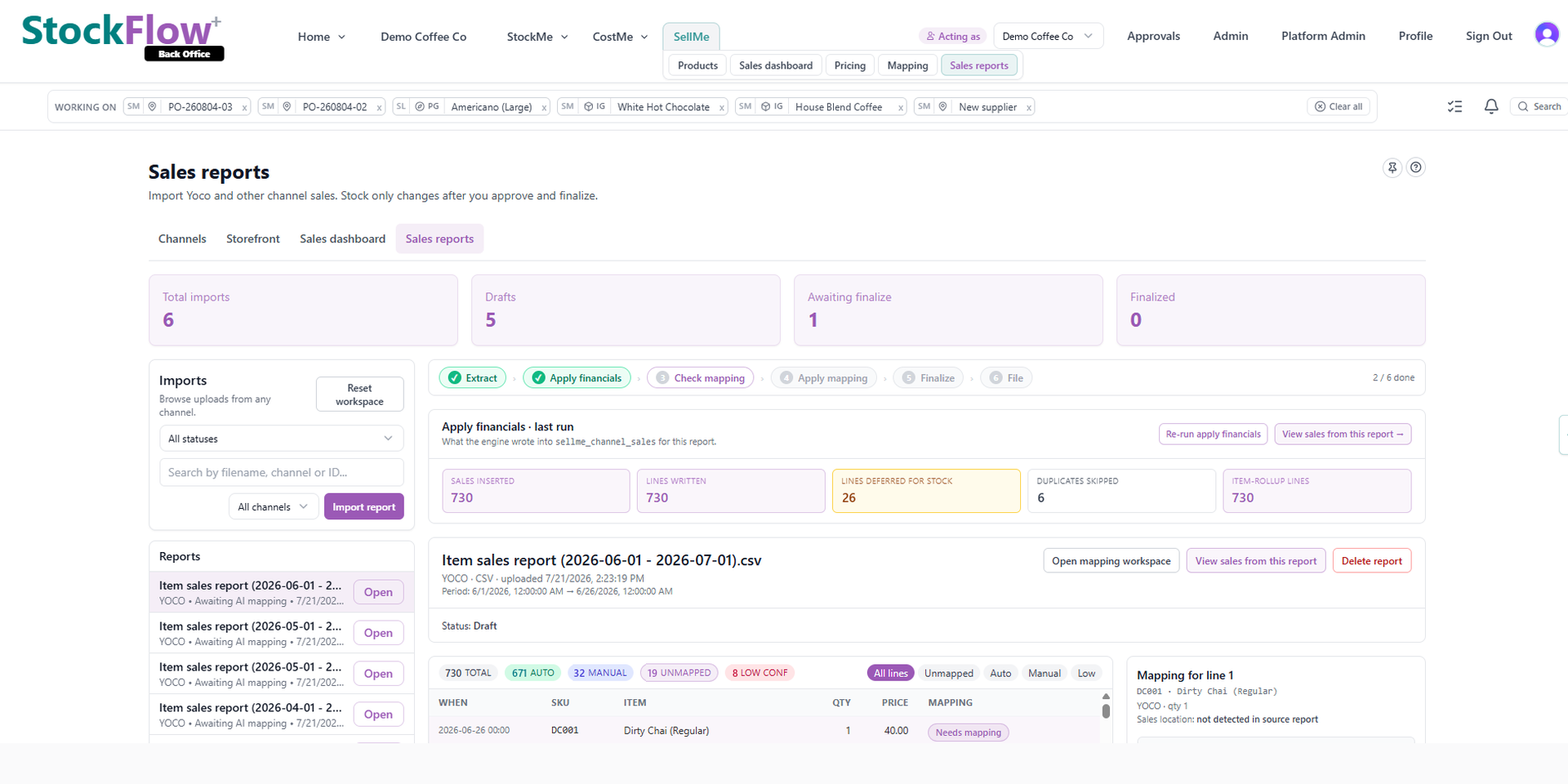
Keep WooCommerce checkout with PayFast or Yoco. StockFlow reads completed orders, updates stock, and runs supplier and costing workflows — you get back-office value even before every channel connects.
Why connect StockFlow to WooCommerce?
Built for the SA Woo stack
Woo + PayFast/Yoco is everywhere locally. Our GPL WordPress.org plugin posts orders to StockFlow — subscription billed in ZAR on stockflow.co.za.
No duplicate product entry
Map Woo SKUs to StockFlow once. order.completed drives stock decrement; unmapped SKUs land in review.
Supplier invoice AI included
Unlike cheap inventory plugins, StockFlow reads supplier PDFs, tracks margin, and hands off to Xero or Sage.
HPOS compatible plugin
Thin connector on WordPress.org — orders first, bidirectional inventory in a later phase.
How the WooCommerce integration works
- 01
Install StockFlow for WooCommerce
Free plugin from WordPress.org. API key wizard connects your Woo store to your StockFlow tenant.
- 02
Configure order statuses
Typically order completed or processing triggers ingest. PayFast and Yoco checkout unchanged.
- 03
Run the store; back office stays current
Stock, supplier docs and Xero/Sage hand-off live in StockFlow — not in Woo admin spreadsheets.
WooCommerce integration FAQ
Is the plugin on WordPress.org yet?
The plugin ships with this release for sideload and WordPress.org submission. Join early access for onboarding help.
Do I need WooCommerce.com Marketplace billing?
No. GPL plugin is free; StockFlow subscription is sold directly in ZAR — no Woo revenue share required.
Does it sync inventory back to Woo?
v1 is orders → StockFlow (stock decrement). Woo ← StockFlow quantity sync is planned for phase 2 based on merchant feedback.
Join WooCommerce connector early access
Running Woo + PayFast or Yoco? We will help you map SKUs and go live on the first ingest.